Sending log
Newsletter → Configuration → Modules → Sending log
For every sent newsletter it shows who received it and who is still in the queue. In both packages.
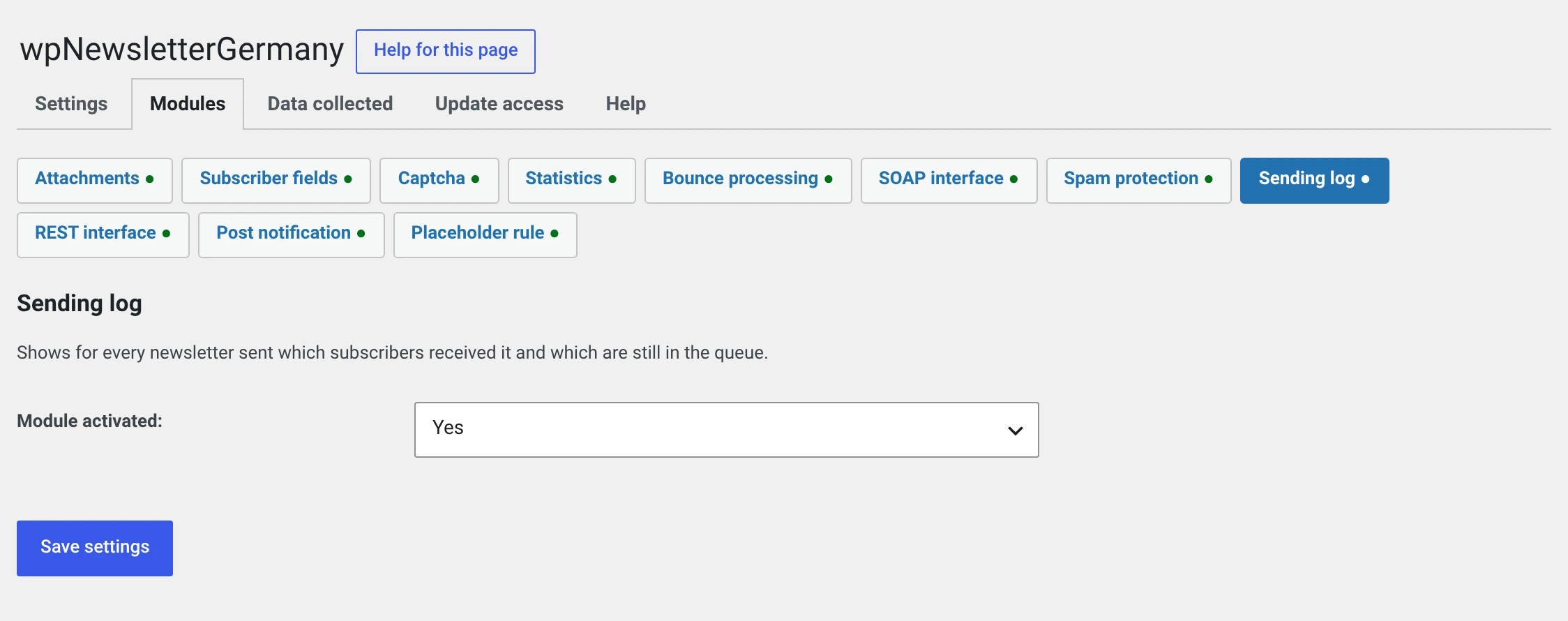
The module has no setting beyond the switch. It does one thing, and it does it always.
Switch it on
Without the log there is no way to say after a send who received a mail. That is exactly the question that comes up — from a customer („I got nothing"), from yourself („did the issue go to the right group?") and, in case of doubt, from a supervisory authority.
It stores nothing extra: the delivery rows come into being anyway, the module only makes them visible.
What it shows
In the newsletter form
For a sent newsletter, a list of recipients with a search field appears:
| Column | |
|---|---|
| Name | |
| Status | When the mail went out — or that it is still waiting |
| Read | Comes from the Statistics module. Without that module the table has three columns |
Newsletter → Delivery log
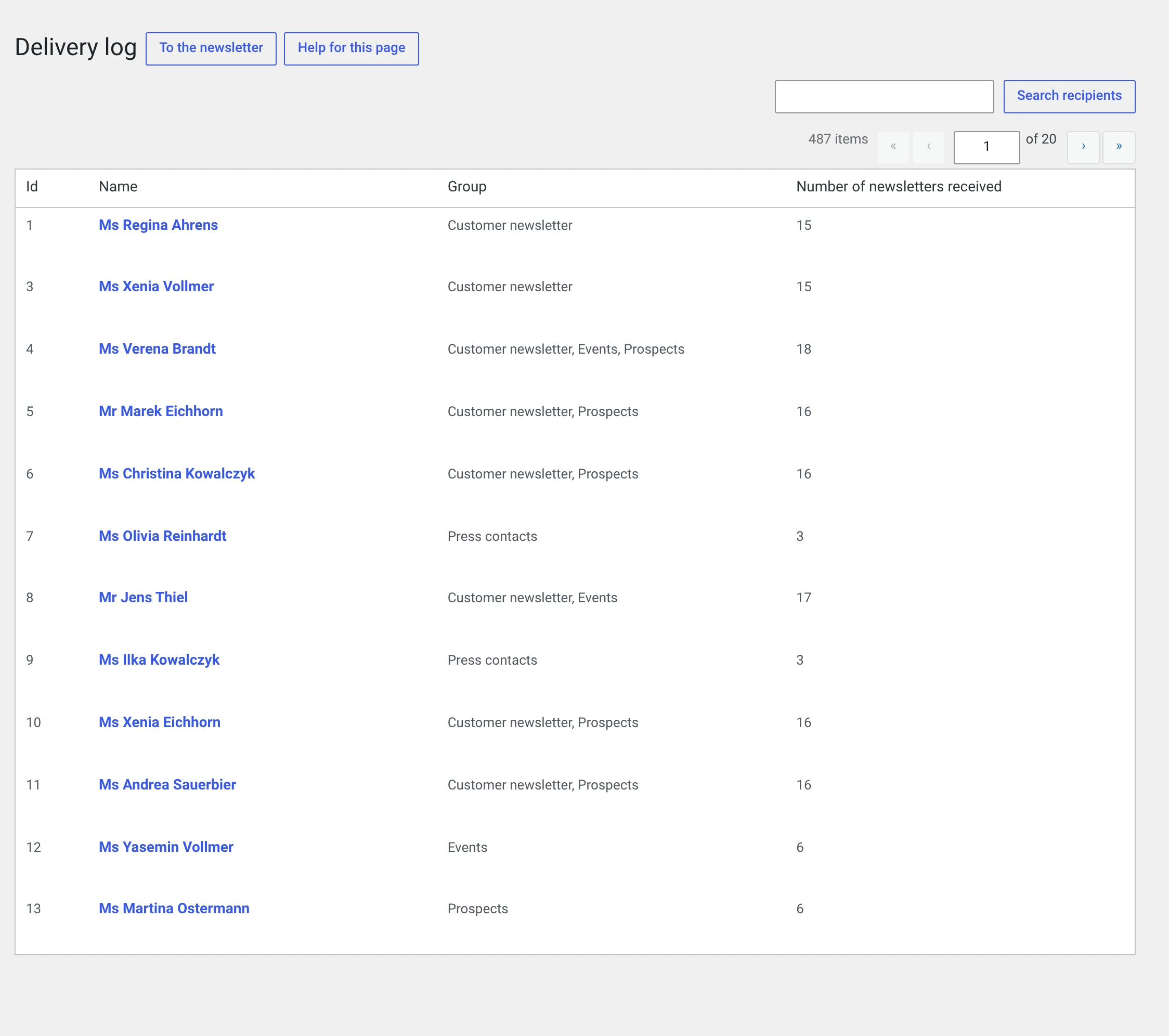
The same question from the other side: per recipient, how many newsletters they received. Clicking an entry shows the list of their newsletters with the send time and — with open tracking running — when they last read them and how often.
That is the view for the question „what has this person received from us?" — and therefore also for a disclosure under Art. 15 GDPR. For that there is also WordPress's Tools → Export Personal Data, see Data protection.
Deleting an entry
In both lists an entry can be removed — either all newsletters of one recipient or a single newsletter of one recipient.
That is not a recall
What is deleted is the log entry, not the mail. That one is with the recipient.
And: a deleted entry takes the open timestamp with it. The statistics of that newsletter shrink accordingly.
What is stored
Nothing extra. The module reads the delivery rows that come into being anyway: which subscriber, which newsletter, when scheduled, when sent.
Everything is deleted along with its subject — with the subscriber go their rows, with the newsletter go its own.
For your privacy policy that means: nothing additional. What is there anyway is listed by Newsletter → Configuration → Data collected.
Where the module comes from
Up to 1.1.4 there was a module called „Log" that did two things: the recipient list and open tracking through a tracking pixel.
Since 2.0 these are two modules:
| Module | Package | |
|---|---|---|
| Who received the newsletter | Sending log | both |
| Who opened and clicked it | Statistics | Pro |
The reason is the split between the packages: the recipient list belongs in every installation, measuring behaviour is a different matter.
The update does the right thing
If the old „Log" module was active in your installation, the sending log is switched on once during the update — otherwise you would have lost the recipient list.
Once means once: if you switch it off afterwards, the next update will not bring it back.