Subscriber fields
Only in the Pro and Enterprise editions
Newsletter → Configuration → Modules → Subscriber fields to switch it on, Settings → Form configuration → tab Subscriber fields to create fields.
Custom fields in the subscription form — everything beyond name and postal address.
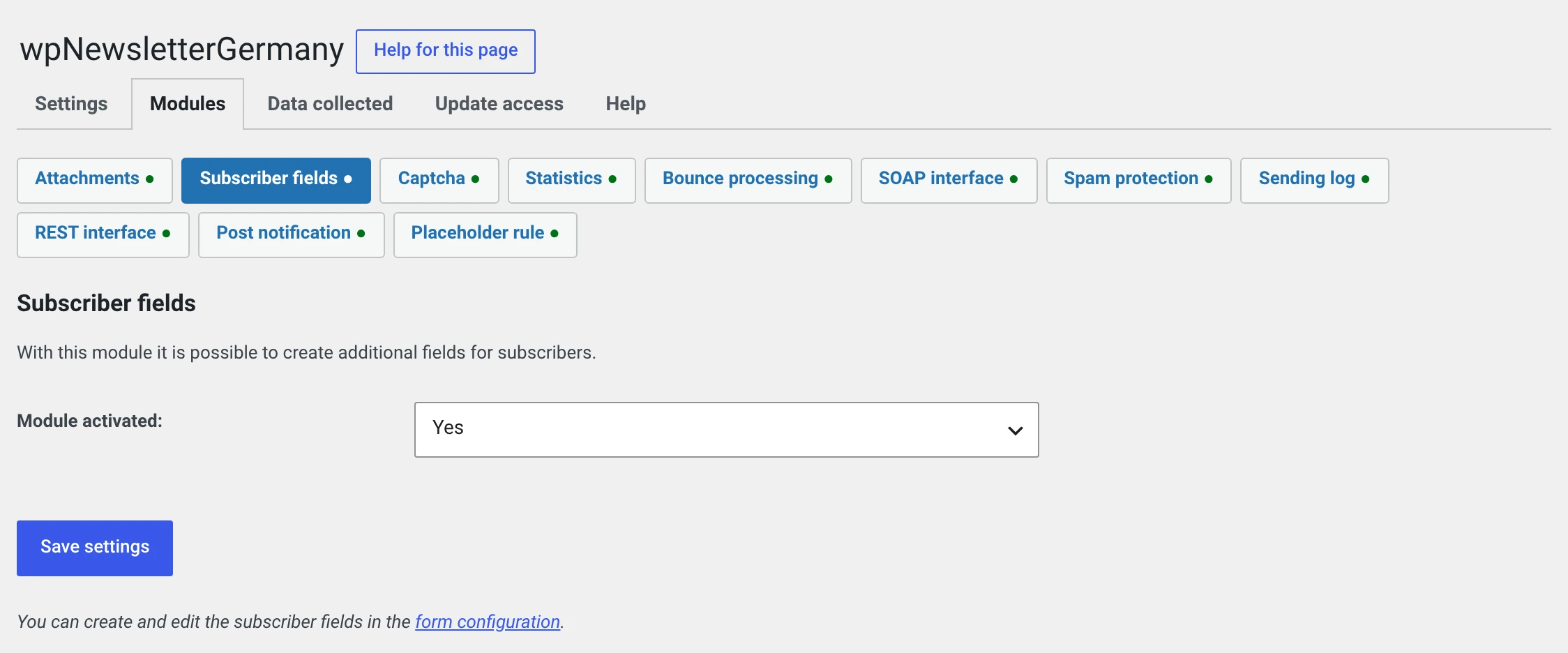
The module page itself contains only the switch and a link. The fields are created in the form configuration.
Creating a field
On the Subscriber fields tab, click the plus at the top right. Every row is editable in place.
| Column | |
|---|---|
| Name | The label in the form. It also appears in the placeholder selection list |
| Type | Select, Text input or Checkbox |
| Options | Only for the Select type: the choices, separated by | |
| In the front end | No, Yes or Required field |
The three types
| Type | In the form | In the placeholder |
|---|---|---|
| Text input | A single-line field | The text entered |
| Select | A drop-down list | The chosen entry |
| Checkbox | A tick box | The text „Yes" or nothing |
In the front end
| No | The field does not appear in the subscription form. You can still fill it in the subscriber form and on import |
| Yes | It appears, nobody has to fill it in |
| Required field | It appears and must be filled in |
Required fields appear in the short form too
The short form shows the address and everything set to required — including subscriber variables. If you really want only one field there, make nothing required here.
Using them as placeholders
Every field gets a placeholder of the form
%uf_<number>%. The number is in the field list.
You do not have to remember it: in the editor under Insert placeholder the name you gave it is shown.
Your favourite variety is %uf_3%. We have something new for it.
What happens if the module is switched off
Nobody resolves the placeholder any more, and it reaches the recipient's text exactly as it stands: „Your favourite variety is %uf_3%."
The plugin reports this as soon as you open an affected newsletter that has not been sent. For one already sent it is too late.
The same applies when switching to the free package. Go through your drafts before switching the module off.
Import and export
The CSV export of subscribers gets one
uf_<number> column per field. The import reads the same columns back in.
Deleting a field
All stored answers to it go with it, for every subscriber. You are asked first.
If you only want to take a field out of the form, set In the front end to No. The answers then stay.
What has to go into your privacy policy
Whatever you ask for — and only your organisation knows that.
Under Newsletter → Configuration → Data collected the module therefore reports your fields by their names, not as „additional data". The text there is one you can adopt.
Only ask for what you actually use
A field whose answer never makes it into a newsletter collects data without a purpose. That is a problem in data protection law and, in practice, one subscription fewer.