Archive and browser view
Two related things that are easily confused:
| What it is | Who sees it | |
|---|---|---|
| Browser view | A single sent newsletter as a web page. The „Is this newsletter not displaying correctly?" link from the mail | Anyone who has the address — that is, every recipient |
| Archive | A page with the list of sent issues | Every visitor to your website |
The browser view
Every supplied template carries the sentence „Is this
newsletter not displayed correctly? View newsletter in your browser" at the
top. Behind it sits the placeholder %nl_onlinelink%.
The link works as soon as the newsletter has been sent — regardless of whether the Show in archive checkbox is set. Whoever received the newsletter may read it again; the checkbox controls the list only.
Before sending it says: „This newsletter is not available for viewing."
Whom the view is rendered with
Never with the recipient of the mail. It is rendered with the subscriber entered under Page configuration as Subscriber for the archive view.
If nothing is entered there, the personal placeholders stay empty
(%abo_vorname%, %abo_name%, …), and %deregisterurl% points at the
subscription form instead of at a personal unsubscribe link.
Why it has to be this way
The link sits in an e-mail and therefore cannot carry a nonce — it has to still work weeks later. Subscriber IDs are sequential.
If the view accepted an ID from the address, anyone could count upwards and look at other subscribers' newsletters, complete with their valid unsubscribe link. Up to 2.0 that was exactly possible.
An ID in the address is therefore ignored. Old links keep working, they just no longer show anything belonging to someone else.
If you do enter a subscriber, make one up
The entry is useful: without it, the public view says „Dear ," instead of „Dear Ms Sample,". But the salutation and name of the entered subscriber then appear on a publicly reachable page.
Create a subscriber of your own for it — „Ms Sample" on an address that belongs to you — not a real person from your list.
The archive page
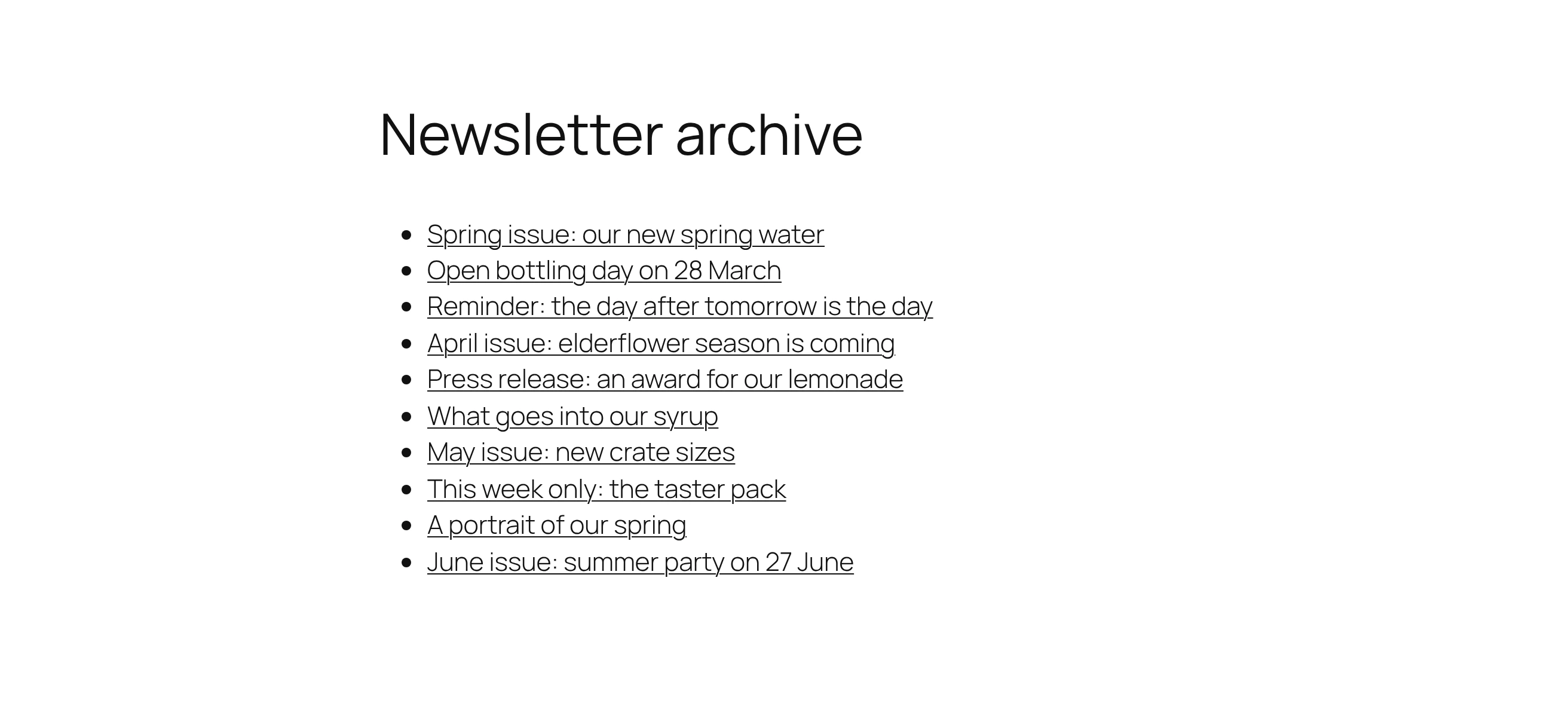
The page entered under Page configuration as Archive page. The plugin replaces its content with the list of newsletters that
- have been sent and
- carry the Show in archive checkbox.
How many issues are listed is set on the same settings page under Newsletters in the archive (default 10), newest first.
The checkbox is the only field that can still be changed after sending — if an issue should leave the list afterwards, uncheck it in the newsletter form.
What it is good for
A public archive is the best advertisement for subscribing: anyone wondering whether to sign up can see what to expect. Put a link to it next to your subscription form.
It also makes the issues reachable for search engines — which can be an advantage or a disadvantage. If you do not want that, leave the Show in archive checkbox off; the browser view from the mail still works.
What does not happen in either view
Nothing is counted. Neither opens nor clicks: both views render without the sending hook, and the links appear exactly as you wrote them. If you look for a tracking address in the browser view you will not find one — that is not a bug.
Nothing is re-rendered. A sent newsletter keeps its shell. If you change the template or the accent colour later, that changes nothing about the issues in the archive.
No personal data is handed out — neither the recipient nor their unsubscribe link. See above.
The addresses
| Browser view | ?wpng_action=previewHTML&nl_id=<number> |
| Text version | ?wpng_action=previewTEXT&nl_id=<number> |
| From the archive | ?wpng_action=showArchiv&nl_id=<number> |
The first two are still called preview… because the endpoint used to be a
preview. The address sits in every mail already sent and therefore stays as it
is; the placeholders for it have been called %nl_online…% since 2.0.
The difference between previewHTML and showArchiv is one more condition:
showArchiv additionally requires the Show in archive checkbox.
They are built by the placeholders and by the archive list. You only need them yourself if you want to link to an issue by hand somewhere — and for that it is easiest to copy them out of the address bar.