Update access
Only in the Pro and Enterprise editions
Newsletter → Configuration → Update access
The tab shows which edition your key carries, and on which addresses it is valid. Since 2.0 the second part is the more important one: a valid key alone no longer lets the plugin run — the address of this website has to be registered on it.
It has two sub-items.
Registration data
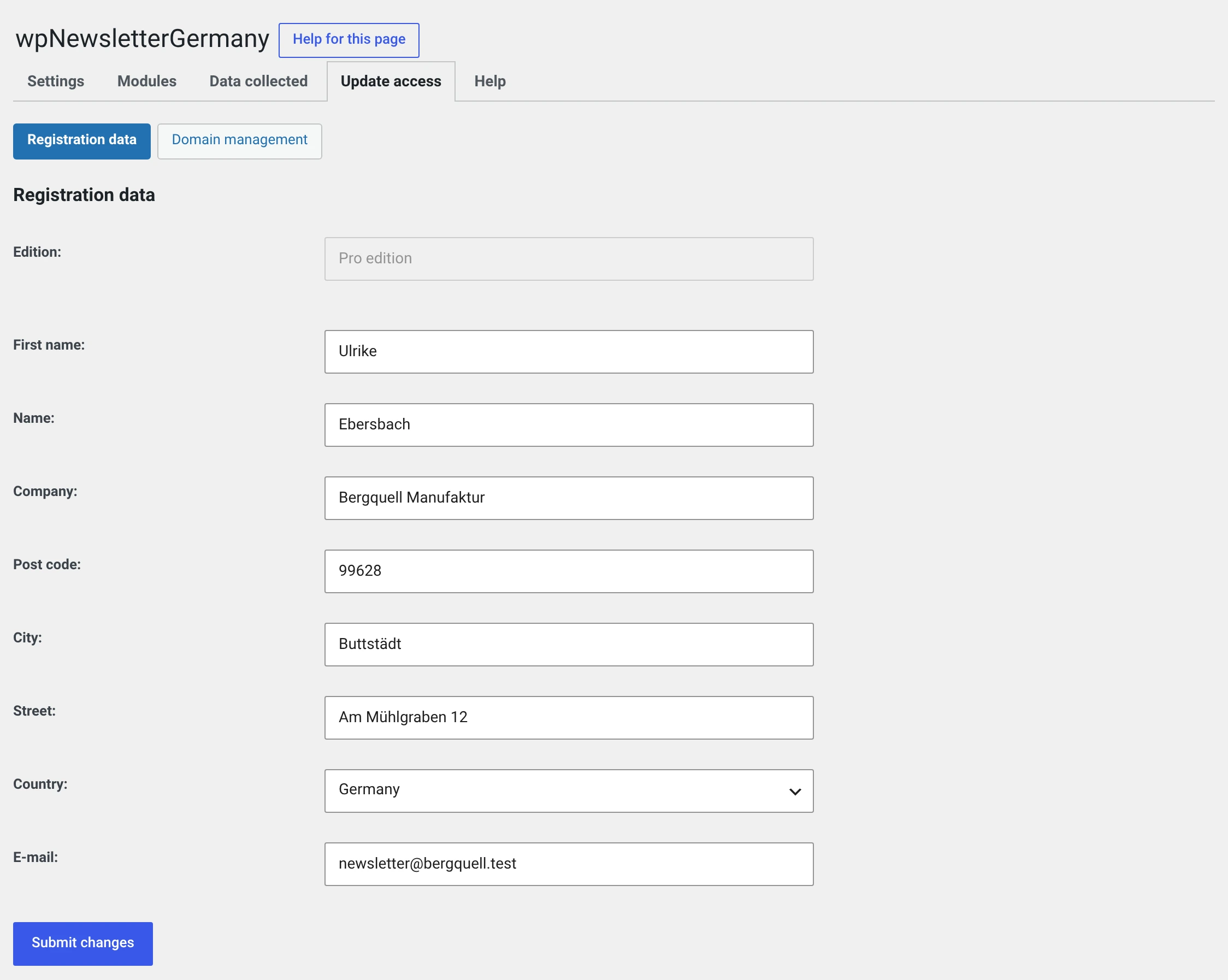
Edition is at the top and cannot be changed — it comes from the key. Below it is your address for invoicing and support. Submit changes sends it to maennchen1.de; it is not stored on your installation.
The key itself is not here
It is entered in the plugin row under Plugins, through the link Enter activation key. Enter a new activation key and Remove activation key are there too.
Domain management
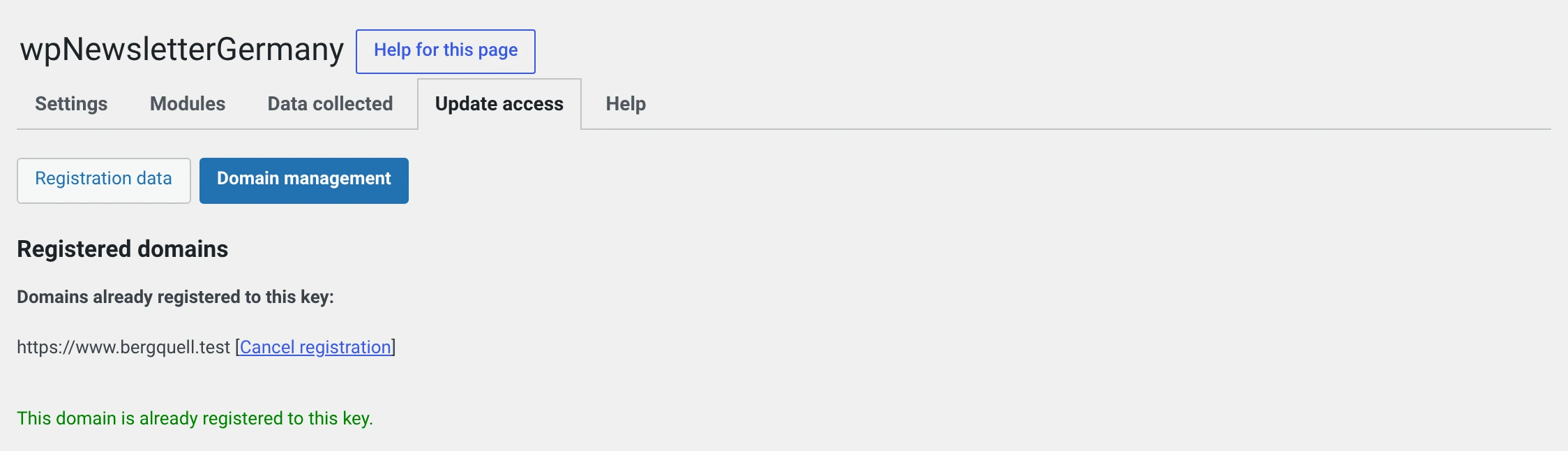
Here are the addresses your key is valid on. If your own is among them, the page says so in green.
| Register this domain | Enters the address of this website. Appears while it is missing |
| Cancel registration | Takes an address out again. Sits behind every row |
What is compared is the host name with path, without http:// or
https:// and without a trailing slash. Whether your website runs over http
or https therefore makes no difference.
www. is a different address
example.test and www.example.test are two different host names. What
is registered is whatever is entered under Settings → General as the
WordPress Address. If you later switch to the other spelling there,
you have to register again.
Without registration a deadline runs
This is new in 2.0, and it also affects existing installations.
Until then, registration was an optional step: anyone who entered the key carried on working. The key server does not check the address, after all — the same key answered the same way for every domain. So the rule „Pro is valid for one domain" existed only on paper.
Now the plugin asks for both: a valid key and a registered address.
| Situation | What happens |
|---|---|
| Key valid, address registered | Everything runs. The tab shows the edition |
| Key valid, address not registered | 14 days, then shut down. A message in the backend says so from the first day and links to the domain management |
| No key | 14 days from installation, then shut down. The message appears from five remaining days on |
The 14 days begin on the day the plugin first sees the situation — not on the day you bought. An installation that has been running without registration for years is therefore not shut down immediately by the update; it gets two full weeks.
As soon as the address is registered, the marker is dropped. A later move gets a full fourteen days again.
What „shut down" means
- Newsletters, subscribers and groups are no longer reachable.
- The subscription form accepts nobody.
- Nothing is deleted. Your data sits unchanged in the database.
- The domain management stays usable. Otherwise nobody could reach the old domain to release it.
In this case the way out is not a purchase but a click: Update access → Domain management → Register this domain.
Pro, Enterprise and moving
A Pro key is valid for one address, an Enterprise key for several and for a multisite network — see Lite, Pro and Enterprise.
When moving with a Pro key you release the old address first and then register the new one. The whole procedure is in Moving to a new website.
In a network every website counts for itself
Key and registration apply per website: you enter the key on every website and register every address individually.
The trial period, on the other hand, counts network-wide, from the setup of the network. A website you create more than fourteen days later therefore has neither a key entry nor an open trial period and is shut down from the first day until you supply both. So set up a new website right away.
The notice under the plugin row
Under Plugins, the plugin's row shows what currently applies:
- Without access, a notice with three links — enter key, buy access, further information — and next to it Hide message. It stays hidden until there is access again.
- With access, the edition, plus Enter a new activation key and Remove activation key. That is state, not a message, and cannot be hidden.
- When your access expires, the message from our update server appears there with the link for renewal. It stays even when an update is available at the same time.
Expired does not mean switched off
When the period for updates and support runs out, your plugin keeps running — it simply stops receiving updates. What gets shut down is only an installation with no key at all or with an unregistered address.