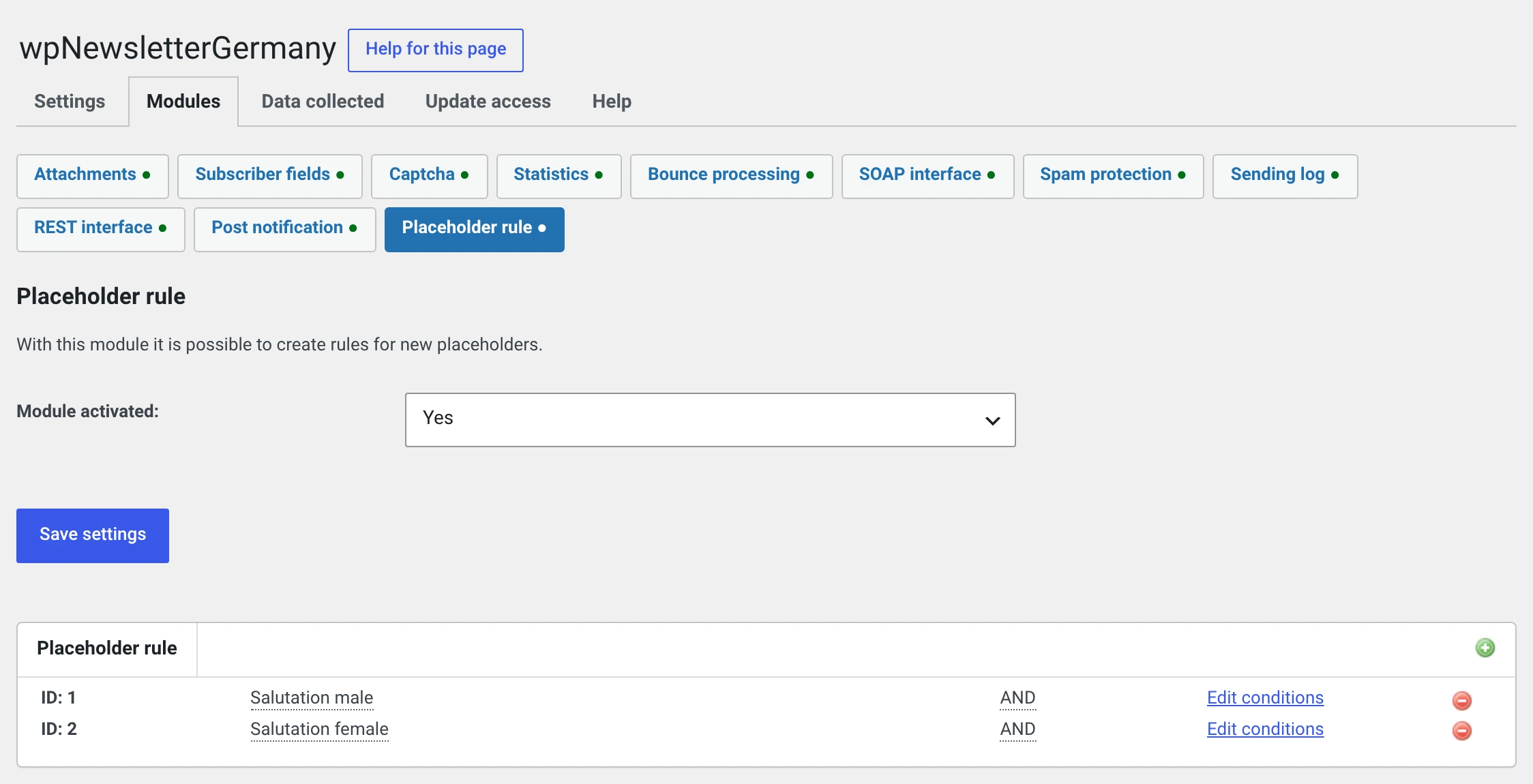
Placeholder rule
Newsletter → Configuration → Modules → Placeholder rule
Custom placeholders whose value depends on a condition.
What it is good for
The classic case is the salutation:
Dear Mr Kern,            if salutation = Herr
Dear Ms Reinhardt,       if salutation = Frau
Hello,                   if neither applies
With %abo_title% %abo_name% alone you get „Herr Kern," — but not „Dear", not
the feminine form and no usable fallback for somebody who left no name.
That is exactly what the module is for. It already brings the two salutation placeholders along when you switch it on.
How a placeholder is built
Placeholder "salutation male"
    Condition:    Salutation  =  Herr
    Output text:  Dear Mr %abo_name%,
    Alternative:  → Placeholder "salutation female"
| Part | |
|---|---|
| Name | The placeholder is made from it, i.e. %salutation_male%. The sequential number works too: %pr_1% |
| Conditions | One or more, joined with AND or OR |
| Output text (no placeholder rules possible) | What is inserted when the conditions apply. Ordinary placeholders such as %abo_name% are allowed, and HTML as far as your account may — see below |
| Alternative rule (otherwise) | The rule checked when the conditions do not apply. A choice among the existing rules |
The output text takes placeholders, but no placeholder rules
The field's own label says as much. Ordinary placeholders such as
%abo_name% are filled in there; a further rule does not go into the
text but is attached through Alternative rule (otherwise).
Pick the placeholder instead of typing it
To the right of the output text sits the plugin's mark. Clicking it opens a small window with every placeholder, grouped by origin — subscriber, newsletter and whatever the modules contribute. Select, Insert, done.
HTML in the output text: the same rule as for posts
Whoever may write posts with arbitrary HTML in WordPress may do so here as
well. For everybody else the plugin filters the text when saving, exactly
as WordPress would for a post — a <script> is no longer in there
afterwards.
By default only the administrator has that capability.
The conditions
You can test against: salutation, first name, last name, e-mail address, street, post code and city.
| Operator | Tests |
|---|---|
= |
The value is exactly this |
= (length) |
The value is exactly this many characters long |
> (length) |
Longer than |
< (length) |
Shorter than |
The length operators are the trick for „is the field filled in at all?":
Name > 0 applies to everyone who left a name.
An example you can adopt
Three placeholders using one another as alternatives:
| Name | Condition | Output text | Alternative rule (otherwise) |
|---|---|---|---|
anrede |
Salutation = Herr |
Dear Mr %abo_name%, |
anrede_w |
anrede_w |
Salutation = Frau |
Dear Ms %abo_name%, |
anrede_neutral |
anrede_neutral |
Name > 0 |
Hello %abo_vorname% %abo_name%, |
anrede_leer |
anrede_leer |
(none) | Hello, |
— |
The newsletter then only contains:
%anrede%

here is the latest issue …
Do not build loops
If anrede points at anrede_w and anrede_w back at anrede, the
module goes round in circles. The chain has to end somewhere — with a
placeholder that has no condition and no alternative.
Using them
Like any other placeholder: in the subject, in the HTML version, in the text version and in a template of your own.
In the editor your own placeholders appear by name in the selection under Insert placeholder.
Check it with a test send
Enter yourself as a subscriber twice, once with the salutation „Herr" and once without any salutation, and send a test mail to both addresses. Then you see both branches.
Remember: the test mail only renders personally if the test address is in your subscriber list.
If the module is switched off
Nobody resolves your placeholders any more, and they reach the recipient's text exactly as they stand.
The plugin reports this as soon as you open an affected newsletter that has not been sent. For one already sent it is too late.
What has to go into your privacy policy
Nothing. The module stores nothing personal — it stores your rules and texts. What it reads are values already held on the subscriber.