SOAP interface
Only in the Pro and Enterprise editions
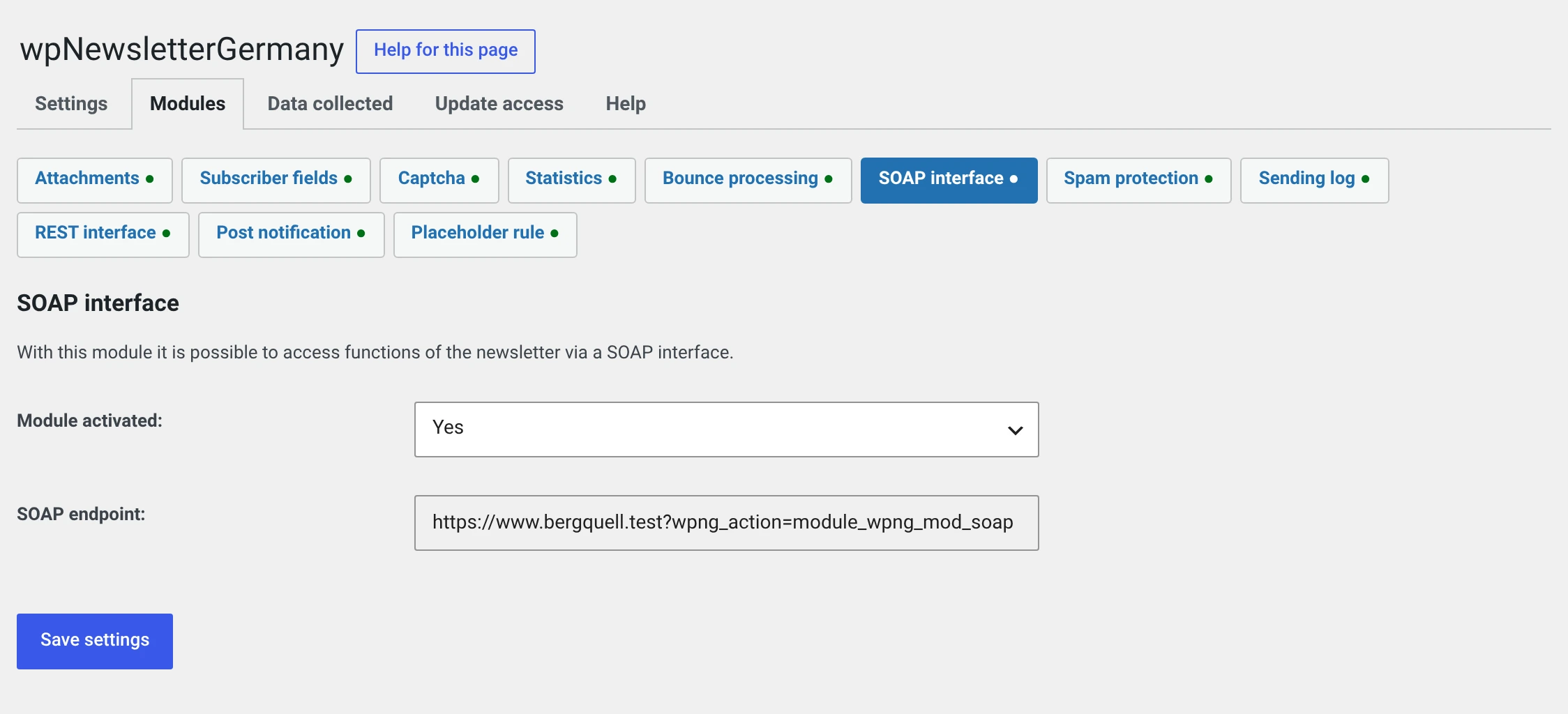
Newsletter → Configuration → Modules → SOAP interface
Lets a third-party system read and create groups, create subscribers and assign subscribers to a group — an ERP system, a CRM, a script of your own.
For a new integration, use REST
The REST interface can do the same, needs no additional PHP extension, has a key of its own and can be addressed with any tool that speaks HTTP.
SOAP stays because existing integrations should keep running. Both run side by side, each with its own switch.
Prerequisite
The PHP extension soap. On shared hosting it is anything but a given.
If it is missing, the module says so when you switch it on, and callers get a
meaningful error instead of a white page. Ask your host to add it — it is
usually called php-soap — or use REST.
The endpoint
It is shown on the module page and looks like this:
https://your-domain.test/?wpng_action=module_wpng_mod_soap
The key
The SOAP interface uses the security key for hash values under General. It exists on both sides and signs every call; it is never transmitted.
This key can do more than the interface
It also signs the confirmation and unsubscribe links from before 2.0. Giving it to a third-party system gives away more than access to this interface.
The REST interface has a key of its own for that which can do nothing else. That is another reason to use REST for a new integration.
What the interface can do
Four actions:
| Action | |
|---|---|
getGroups |
All groups with number and name |
createGroup |
Create a group |
createAbonnent |
Create a subscriber, optionally with a confirmation mail |
addToGroup |
Assign subscribers to a group |
That is all. There is no reading, changing or deleting of subscribers and no access to newsletters.
addToGroup replaces the groups
The subscriber's previous group assignments are overwritten, not added to. The REST endpoint of the same name assigns additionally.
That is a difference integrations have stumbled over before. It stays that way because a change would affect every existing caller.
For your developers
One method is called, and the action is its first argument:
$client = new SoapClient( null, array(
    'location' => 'https://your-domain.test/?wpng_action=module_wpng_mod_soap',
    'uri'      => 'http://wpng',
    'encoding' => 'UTF-8',
) );

$antwort = $client->call( $action, $arParam, '', $signatur );
There is no WSDL; the client runs in non-WSDL mode.
| Action | Parameters |
|---|---|
getGroups |
only time |
createGroup |
name |
createAbonnent |
email (required), title, vname, name, strasse, plz, ort, status, sendOptIn |
addToGroup |
group_id, abo (list of subscriber IDs) |
With the new signature, time is required and has to be a Unix time.
The answer is always an array with code, message and data. code is 1
on success.
getGroups answers differently from the other three
The groups are under message, not under data:
{ "code": 1, "message": { "1": "Customer newsletter", "2": "Prospects" }, "data": [] }
That has always been the case and stays that way — moving it to data
would break every existing caller. With the other three actions, message
holds a text and data the result, e.g. {"abo_id": 70}.
How the signature is built is described in detail, with a reference implementation and a test value to check against, in the plugin's technical documentation. Ask for it in the forum.
The signature: new and old
Every call carries a signature. There are two forms.
| Up to 1.1.4 | Since 2.0 | |
|---|---|---|
| Method | MD5 | HMAC-SHA256 |
| Covers | the names of the fields passed | names and values, plus the timestamp |
| Timestamp | went in but was never checked | is checked, window of 15 minutes |
Why the old form is a problem
It covers only the field names, not the values. Anyone recording a call can turn
createAbonnent email=customer@example.test group_id=4
into
createAbonnent email=stranger@elsewhere.test group_id=1
and the signature still matches. And because the timestamp was never checked, a recorded call stayed valid indefinitely.
Out of the box both forms are accepted, so that your counterpart does not have to be switched over on the same day.
The transition
- Today. Nothing to do, existing integrations run unchanged.
- As soon as your counterpart sends the new signature: under Maintenance, set Accept only the new signature.
- The switch can be reversed at any time.
There is no deadline. Every installation decides this for itself.
Do not switch over before the counterpart is ready
Calls will fail afterwards, and silently — the third-party system gets an error message, you see nothing of it. Agree it with whoever looks after that system.
What has to go into your privacy policy
Nothing additional. The interface stores no data of its own; it creates subscribers and groups, the same rows the subscription form writes.
Two things you should consider all the same:
- Whoever uses the interface gets to see subscriber data. The third-party system is thereby a recipient in the sense of your privacy policy. Only you know who that is.
- Over
httpthe contents go over the wire in clear text. The signature protects the key, not the mail addresses in the call. Run your website overhttps.
And: a subscriber created by a third-party system has no consent record.
The proof has to live in that system. Passing sendOptIn makes the
confirmation mail go out from here — that is the better way.