Captcha
Only in the Pro and Enterprise editions
Newsletter → Configuration → Modules → Captcha
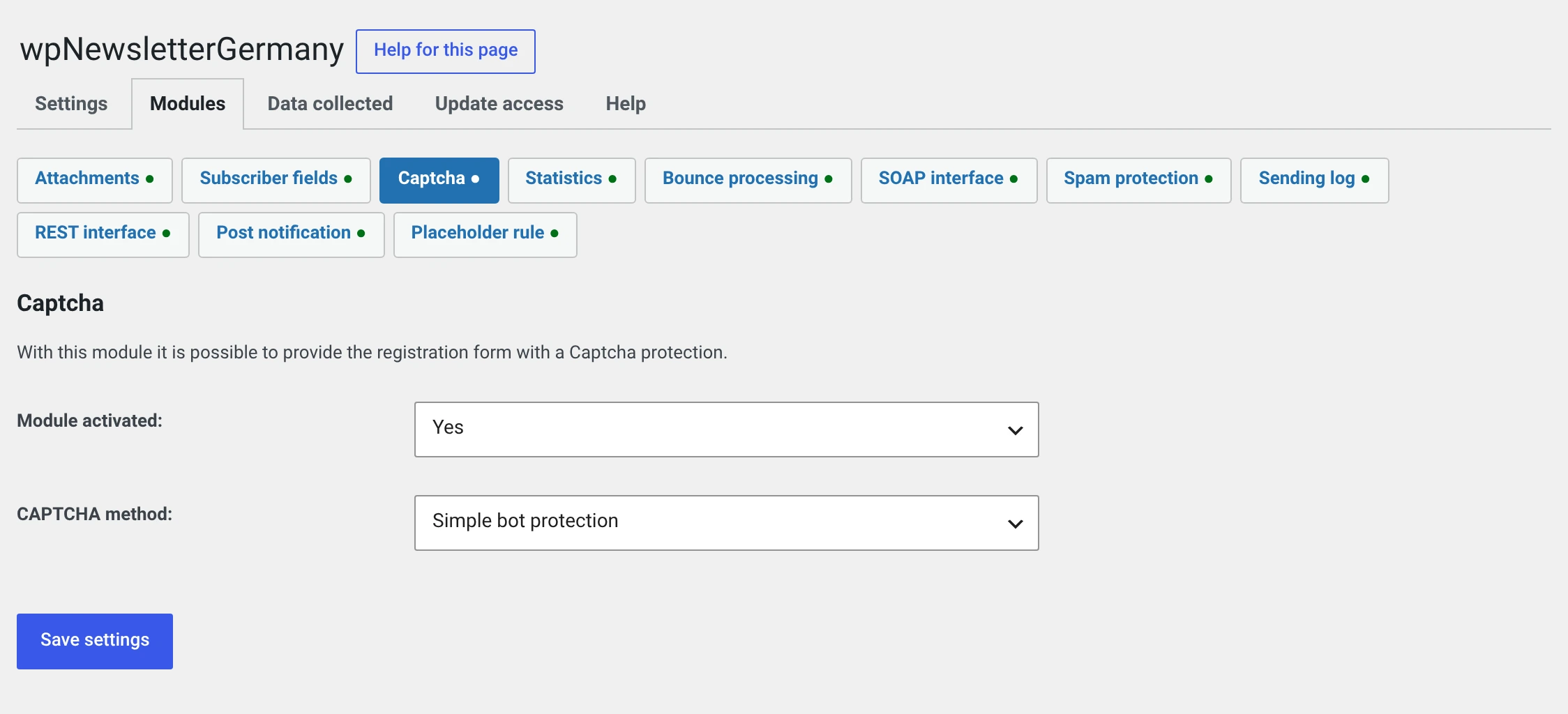
Protects the subscribe and unsubscribe form with Google reCAPTCHA or a simple method of its own.
You probably do not need this module
Since 2.0 there is the spam protection. It does the same thing, is invisible to the visitor, calls no third-party service and stores no IP address.
The captcha module stays alongside it so that nobody is forced to switch. For a new installation the spam protection is the better choice.
The three methods
The field is called CAPTCHA method.
| Simple bot protection | Default. A simple check on your own installation. Calls nobody and needs no key |
| reCAPTCHA V2 | Google's image puzzle or the „I am not a robot" checkbox |
| reCAPTCHA V3 | Google assesses behaviour in the background, without a puzzle |
The simple bot protection keeps a great many simple programs out but can be overcome without much effort. For serious protection without Google, use the spam protection.
Setting up reCAPTCHA
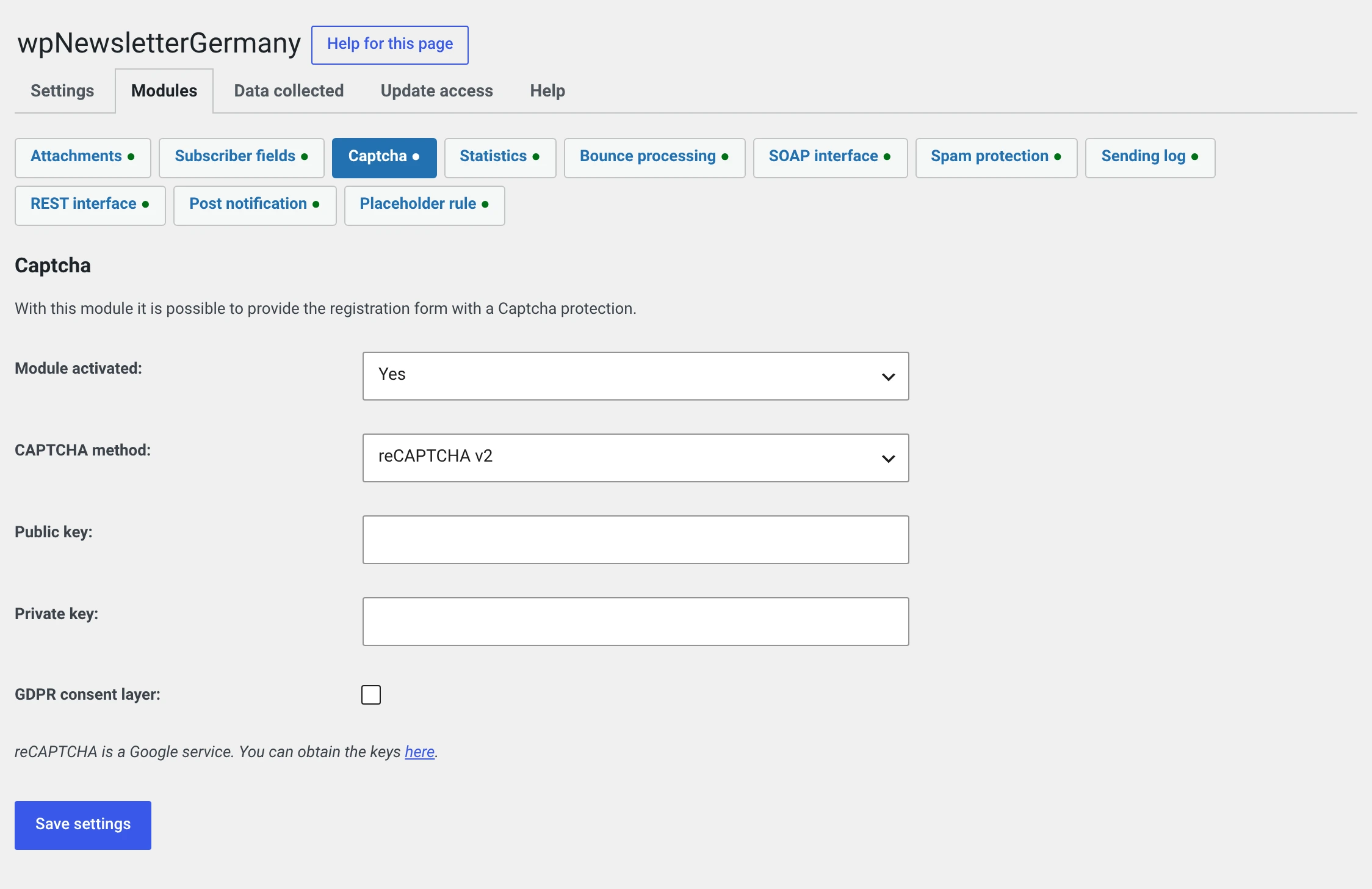
As soon as you choose reCAPTCHA V2 or V3, the two key fields appear. You need a key pair from Google:
- Open google.com/recaptcha/admin and create a site.
- Choose the type you want to configure here — V2 and V3 have different keys.
- Enter the public key and the private key in the two fields.
Both keys, or every subscription is rejected
If one is missing, the check at Google fails and nobody gets through your form any more. The module points this out in the backend.
GDPR layer (V2 only) — a surface is placed in front of the reCAPTCHA that the visitor has to click first. Only after that is anything loaded from Google at all, and only then are cookies set.
What Google gets out of it
This is the reason why we no longer recommend the module.
Every time the form is loaded, reCAPTCHA transmits to Google LLC:
- the visitor's IP address,
- characteristics of their device and browser,
- their behaviour on the page (mouse movement, keyboard, time spent),
- with V3, additionally a running score across several pages.
What follows for you:
| Consent | You need one before anything is loaded from Google. That is what the GDPR layer is for — but only with V2 |
| Privacy policy | Needs a section of its own about reCAPTCHA with a reference to Google's policy |
| Third country | The data goes to the USA |
The module reports this explicitly under Newsletter → Configuration → Data collected, under „What leaves the installation".
On the installation itself the module stores nothing
That is no consolation: what counts is what flows away from the visitor.
Since 2.0 the captcha applies when unsubscribing too
The field was always in that form — it is the same form — it was simply never checked. If you get complaints after the update about unsubscribing not working, look here.
Switching to the spam protection
- Switch on the spam protection, leave the defaults alone.
- Try a subscription by hand.
- Switch the captcha module off.
- Take the reCAPTCHA section out of your privacy policy, and the consent dialogue if it was only there for that.
The keys stay stored — the way back remains open.