Settings backup
Newsletter → Configuration → Settings → Settings backup
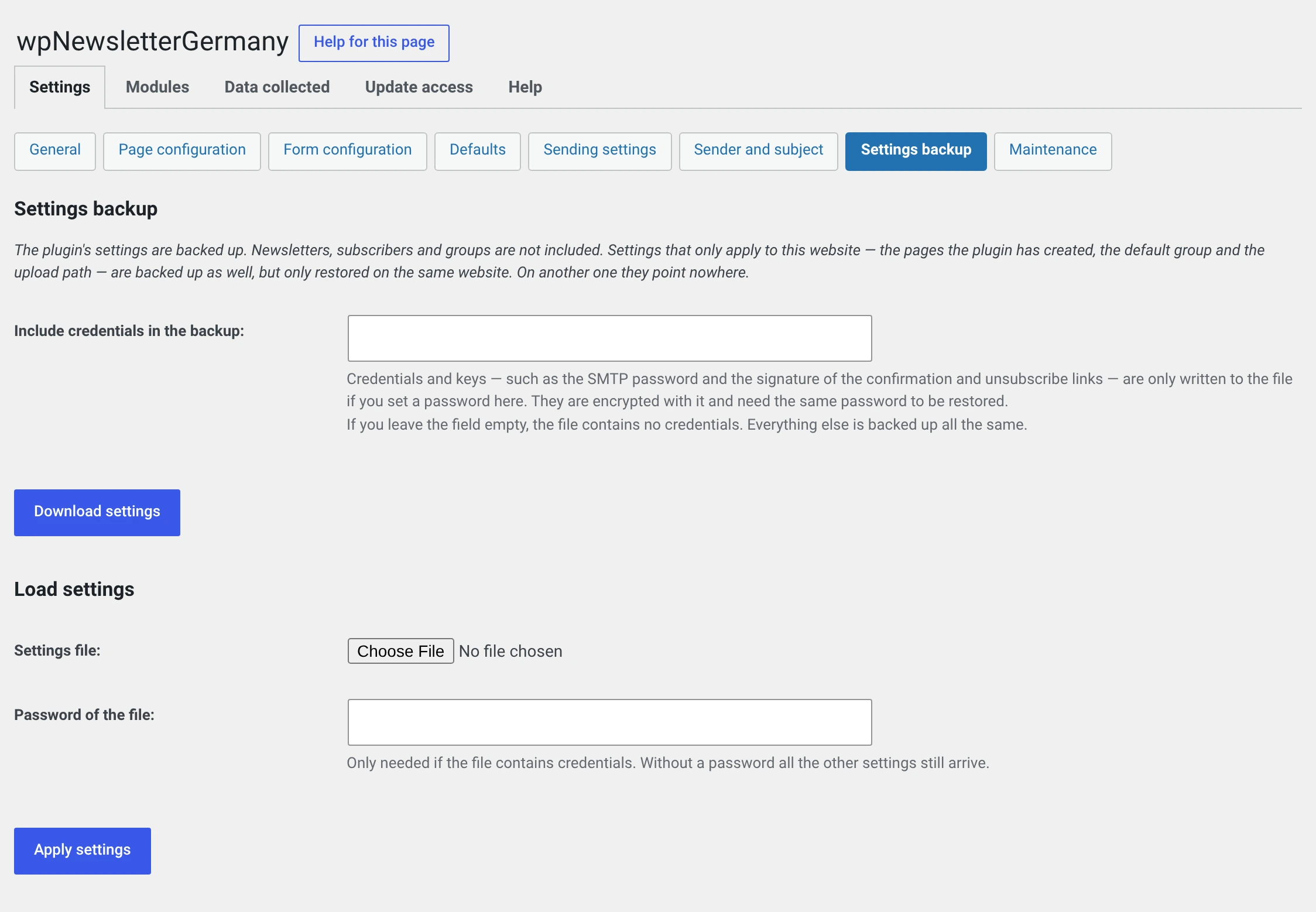
Writes the plugin's settings into an XML file and reads them back in. So that a new installation does not have to be set up from scratch.
This is not a backup
What is saved are settings. Newsletters, subscribers and groups are not included — for those you need a database backup and, for the addresses, the CSV export.
Saving
Download settings. You get an XML file.
Including the credentials
Without a password the file contains no credentials. Set one and these six values come along, encrypted:
- the security key of the SOAP interface,
- the key that signs the confirmation and unsubscribe links,
- the SMTP password,
- the password of the bounce mailbox,
- the secret reCAPTCHA key,
- the activation key for updates and support.
The key is derived from the password, not from this website
That is the point: a file whose key depended on this installation could not be read on a new one at all.
A forgotten password cannot be worked around. What is then lost are the six values above — everything else still arrives, and you enter the six again.
If the PHP extension openssl is missing on the server, there are no
credentials in the file. The form says so; everything else is saved.
The file does not belong in the uploads directory
With a password it contains credentials. Do not put it where your website serves it, and do not send it to third parties unasked.
Loading
Choose the settings file, enter the file password if there is one, click Apply settings.
A wrong password is caught by a checksum. The credentials are then left alone, everything else is applied anyway — you do not have to start over.
Which class things fall into
Every setting belongs to exactly one of four classes. That decides whether it is in the file and whether it is applied when loading.
| Class | What | In the file | On loading |
|---|---|---|---|
| Transferable | The actual settings: sender, mail routes, templates, form fields, module switches | yes, in clear text | always |
| Bound | Applies only on this website: the IDs of the five pages, the default group, the subscriber for the archive view, the upload path | yes | only if the file comes from the same website |
| Secret | The six credentials above | only with a password, encrypted | only with the correct password |
| State | Timestamps, counters, markers for one-off cleanups | no | never |
On another website you have to reassign the pages
The IDs of the five pages are valid only on the website where they were assigned. When loading on another one, a note appears listing what has to be filled in by hand — as a rule the page configuration.
What the plugin does not know
If an option with the wpng_ prefix sits in the database that belongs to none
of the four classes, it is not saved — and the form names it explicitly,
so that nobody takes the file for complete.
That happens with a module of your own under user_mods that does not
classify its settings.
What it is good for
Moving to a new website. The most common case. See Moving to a new website.
Setting up a test installation that behaves like the real one.
Before a major update. One file, and every way back stays open.
Setting up several websites the same way. Configure once, load everywhere — you fill in the bound values per website.