Groups
Newsletter → Groups
A group is a distribution list. A newsletter always goes to groups, never to „everyone" — there is no button for that, and that is deliberate: whoever sends to everyone will eventually send to people who expected something else.
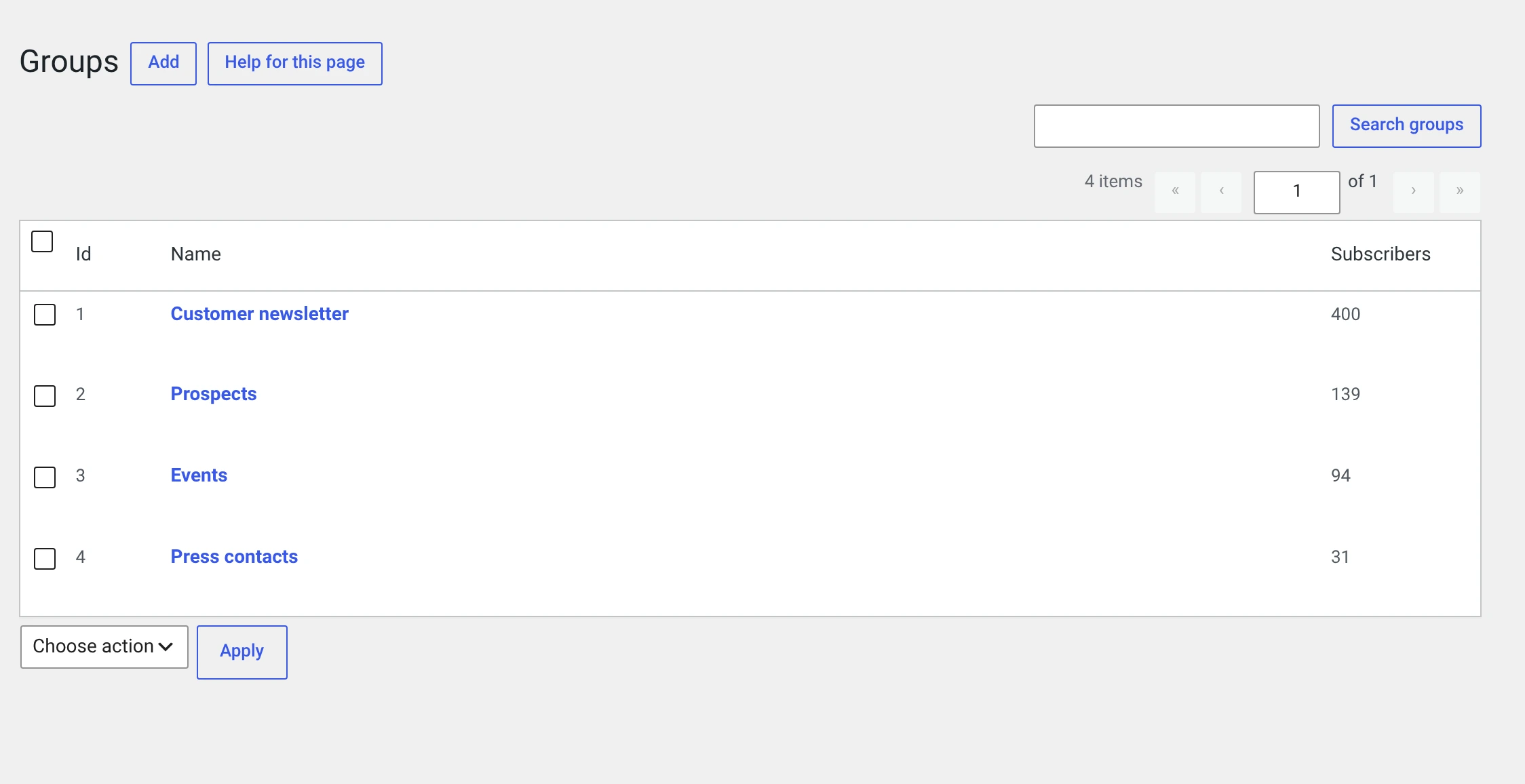
A subscriber can be in any number of groups. Someone in two groups that receive the same newsletter gets it once.
The number behind the name is a link into the subscriber list, filtered on that group.
Creating a group
Add. All you need is a name.
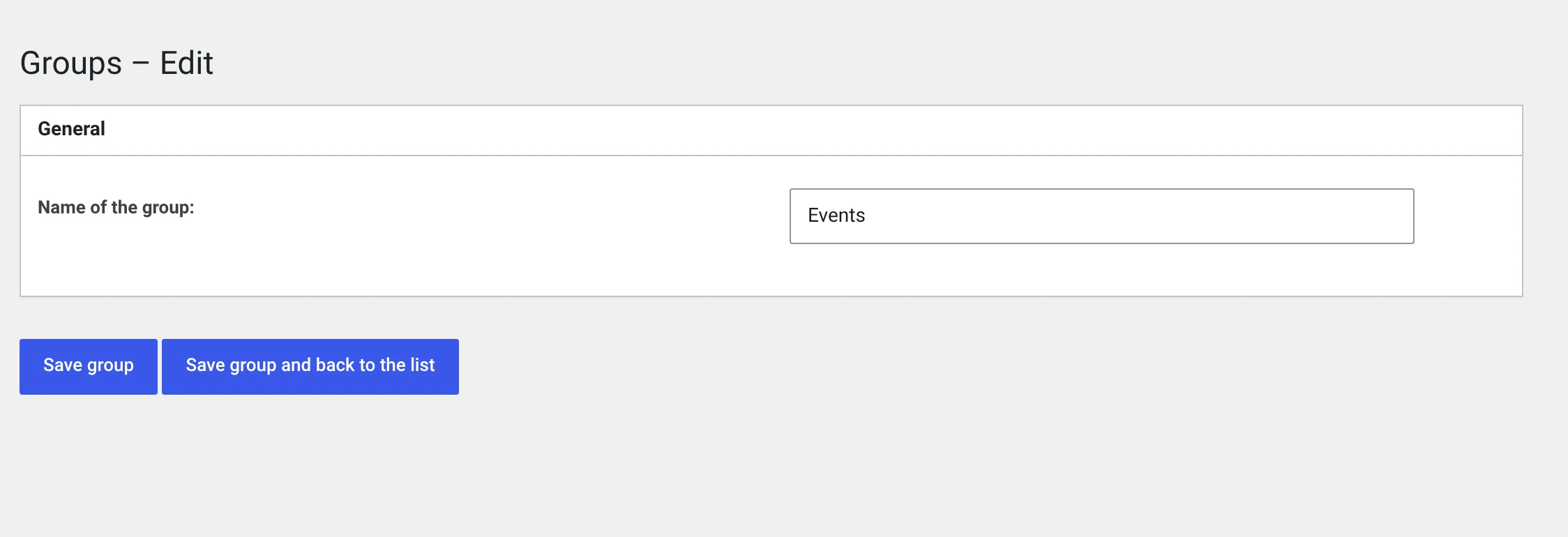
Name the group after its content, not its origin
„Events" tells both the subscriber and you what they get. „Home page form 2024" only says where they came from — and in a year nobody will know whether the people in it wanted events.
Deleting a group
The subscribers stay — they only lose this assignment. Anyone who is then in no group at all shows up in the subscriber list under Unassigned and receives no more newsletters.
So do look there after deleting a group.
How subscribers get into a group
| Route | |
|---|---|
| Through the subscription form | See below — three levels |
| By hand, in the subscriber's form | Field Group membership |
| As a bulk action | Move to group replaces, Add to group adds |
| On CSV import | Column groups or a fixed selection |
| Through the REST or SOAP interface | From another system |
Which group a subscription goes to
Three levels, from the most specific to the most general. The first one that delivers something wins:
| Level | Where it is set | Applies to |
|---|---|---|
| 1 | groups="…" in the shortcode or in the block |
exactly this form |
| 2 | Group assignment for the short form, tab Short form | every short version of the form |
| 3 | Group assignment after subscribing, tab Standard fields | everything else |
[wpng_form groups="Events"]
[wpng_form groups="Customer newsletter, Events"]
[wpng_form groups="3, 5"]
Names or IDs, comma-separated, case does not matter. The ID survives a rename; the name is more convenient.
Without any assignment the subscription lands nowhere
If none of the three levels is set, the subscriber is created — without a group. They never receive a newsletter, and nobody notices.
The one exception: if there is exactly one group in the installation, the subscription goes there. As soon as you create a second, you have to decide.
Why the group is not in the form
A hidden field with the group ID would be a wish list: anyone building the request themselves — the browser's developer tools are enough — would enter every group whose number they know. Including one meant only for paying customers.
What is read instead is the content of the page the form was on. Only someone allowed to edit posts can change that. A group name that matches nothing is silently dropped — a typo must not make a visitor's subscription fail.
Two forms on one page: the first one counts
If you want to offer a choice of two groups, you need two pages. That is the limit of this solution.
Assignment happens on submit, not on confirmation
The form's group is set the moment somebody clicks Subscribe — not only when they have clicked the link in the mail. On confirmation, the general default is only applied if the subscriber is still in no group at all.
This order carries the whole thing: without it, every form group would fall out again after the double opt-in.
Organising groups when there are many
There is no folder structure. What helps is a naming scheme with a prefix — the list is sorted alphabetically:
Customers – existing
Customers – prospects
Press – trade press
Press – regional press
A sender per group
In the database a group can carry its own sender and subject. The form does not offer this, and the sending does not read it — the fields are left over from an earlier version. You set sender and subject globally under Sender and subject or per newsletter in its own form.