Attachments
Only in the Pro and Enterprise editions
Newsletter → Configuration → Modules → Attachments
Attaches arbitrary files to a newsletter.
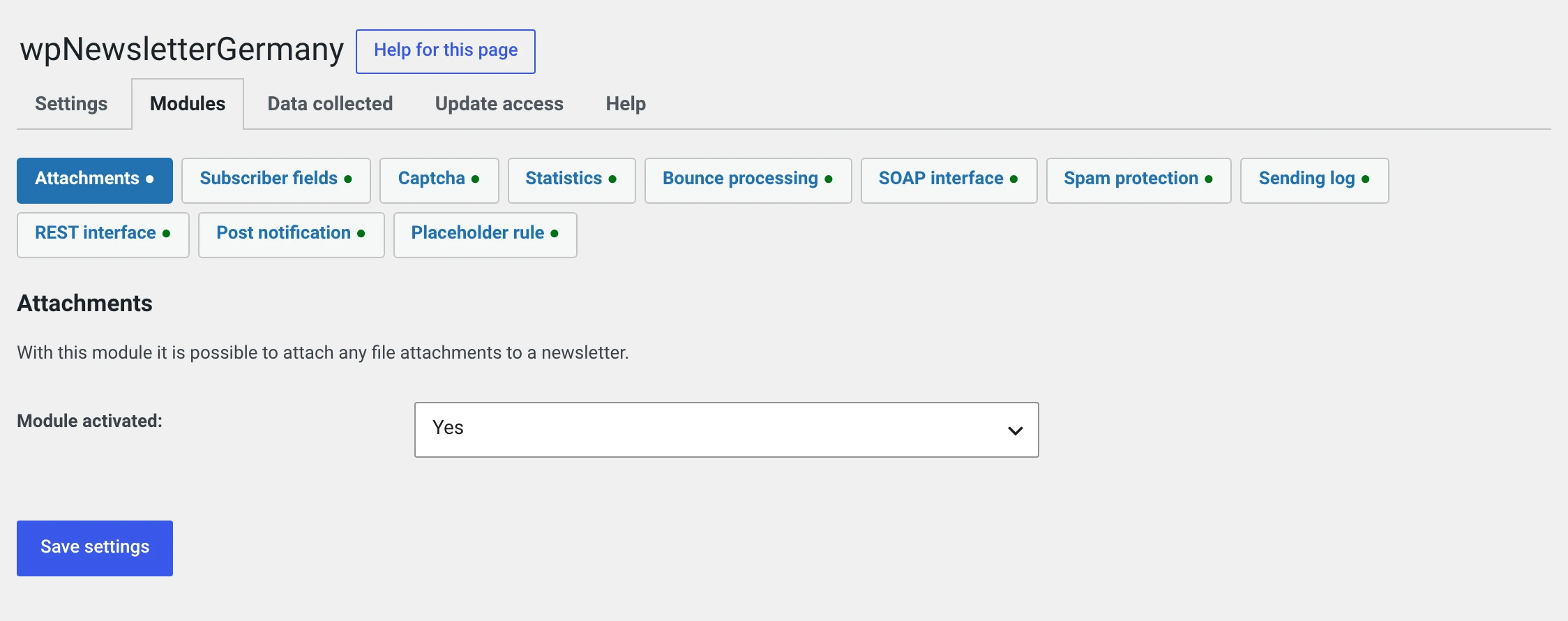
The module has no setting beyond the switch.
Attaching a file
In a newsletter's form, the Attachments box appears on the right with the Upload button. The newsletter has to have been saved once for that — before it there is no number for the file to hang on.
The file ends up under wp-content/uploads/wpng/wpng_mod_attachment/<number of
the newsletter>/.
Not in the media library
Attachments live in a directory of their own, not in the WordPress media library. The directory is blocked against direct access from the net: an attachment you send only to your subscribers should not be reachable through a guessed address.
Think twice about whether it has to be an attachment
| Attachment | Link to a file | |
|---|---|---|
| Size of the mail | larger by the file | unchanged |
| Spam filter | PDFs and especially Office files are a signal | inconspicuous |
| Recipient's mailbox quota | can prevent delivery | not an issue |
| Replaceable afterwards | no | yes |
| Measurable who fetched it | no | yes, through click tracking |
The link is almost always the better choice. Upload the file to the media library and link to it in the newsletter.
An attachment is right when the file belongs to the recipient and must not sit anywhere publicly — an invoice, a personal certificate.
Keep the mail under one megabyte
Many mail servers reject or delay anything larger. And every attachment goes out once per recipient: 2 MB to 500 subscribers is a gigabyte of outgoing traffic.
In the free package a link works
If you use the free package, upload the file to the media library and link to it. In most cases the result is the better one.
If the module is switched off
The files stay in place but no longer reach any mail.
The plugin reports it as soon as you open an affected newsletter that has not been sent:
This newsletter has 2 file(s) belonging to the module
wpng_mod_attachment, which is not running. They will not go out.
Switch the module on again and everything is back.
When a newsletter is deleted, its attachments go with it. On uninstall with the checkbox set, the whole directory goes.
What has to go into your privacy policy
Nothing. The module stores nothing personal — it stores files you uploaded yourself.
What is in the file is another matter. Attaching an invoice means sending personal data by mail; that is a decision the module does not take off your hands.